Step 1: Download the OfficePortal mobile application by clicking on the appropriate smartphone application link:

Or use these links to download
Android Mobile Application: https://play.google.com/store/apps/details?id=com.awarious.officeportal
IOS Mobile Application: https://apps.apple.com/us/app/officeportal-hrms/id1570992542
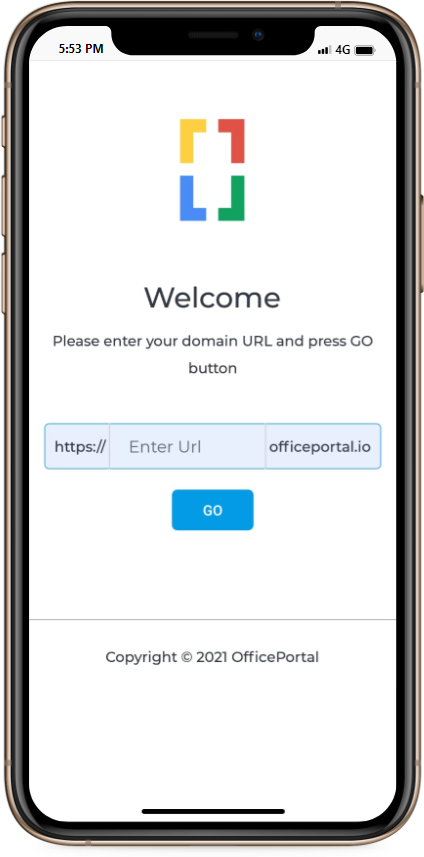
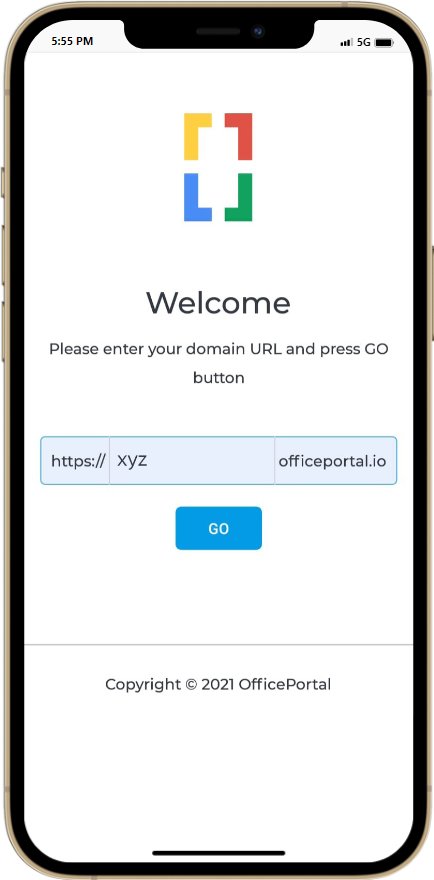
Step 2: Enter your registered domain name in the URL field. If your preferred domain is “xyz,” then use “xyz.officeportal.io” as the domain in the mobile app.
Example: https://xyz.officeportal.io
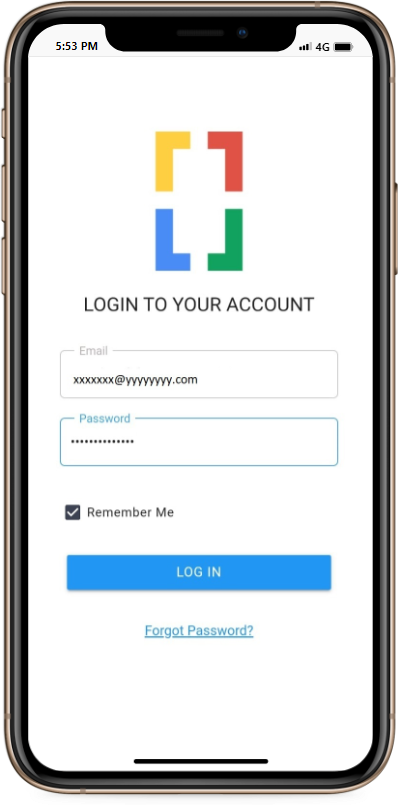
Step 3: Log in with your registered email and password. Opt to save your login credentials by selecting the “Remember Me” checkbox.
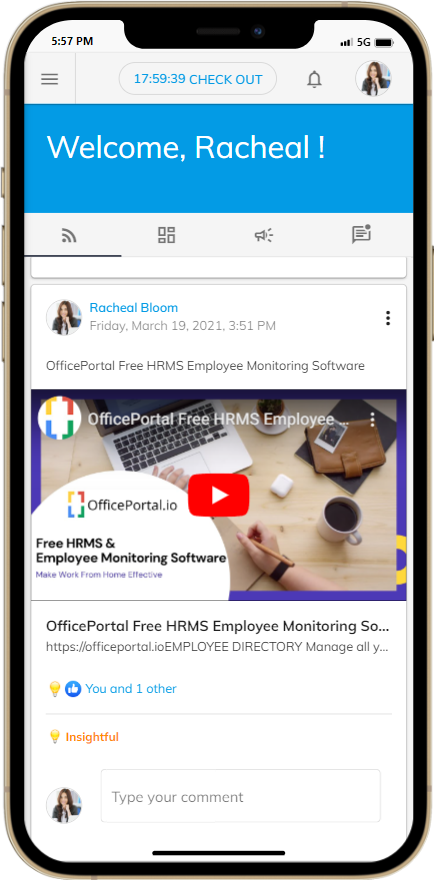
Your OfficePortal mobile app is now ready for use! Enjoy the convenience of having HR management at your fingertips.”