How to add “Office locations”?
- Navigate to the Settings > Organization Settings > Acoount settings > Office locations.
- Click on the “ADD NEW”
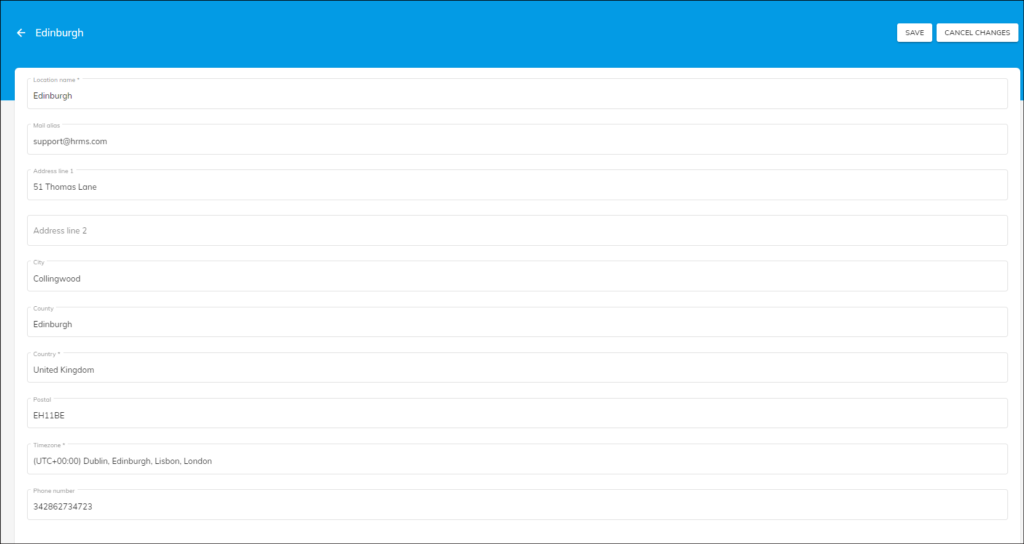
- Now you can enter the location name, country, timezone and other details of the location.
- Finally, click on the “Save” button to save the office location or Click on the “Save & New” button to save & add another office location.
Once you add the location, you may view the same on the list view or card view.