A Client is a person/business who receives a service from you or for whom you are working in return for payment. It is mandatory to add client details to create projects.
Navigate to the Time tracker > Clients feature in OfficePortal
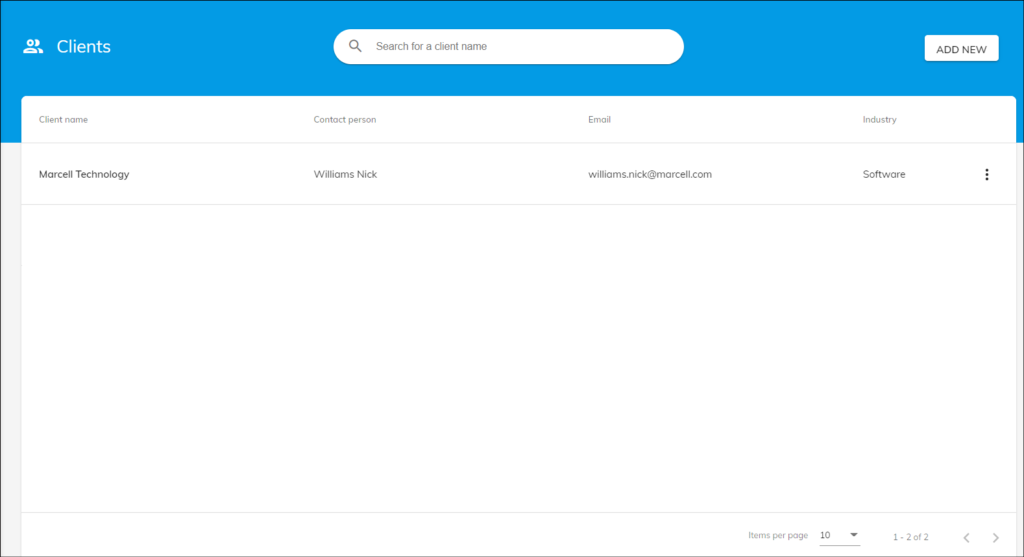
- Click on the Add New Button.
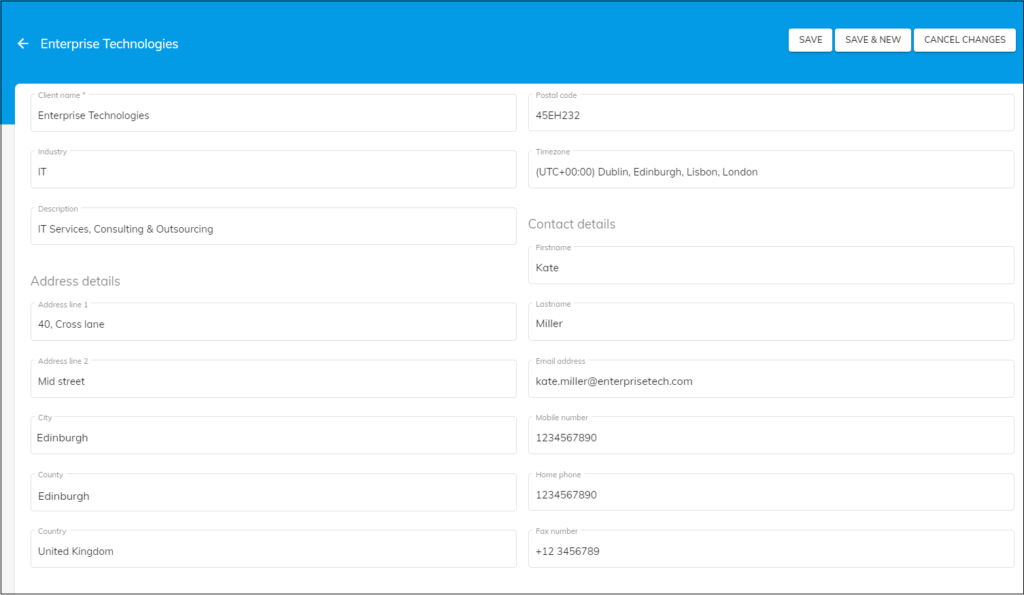
- As soon as you click on the “add new” button, you can view a form to add the Client details.
- Enter the client name, the Industry of the client, a little description about them if necessary and other details such as the Client’s Address details and contact details.
- Once you enter all the details about the clients, you can click on the “Save” button to Save the Client or Click on the “Save & New” button to save & add another Client in the “OfficePortal”.
Once you create the clients in OfficePortal, you can add /create projects under those clients.